
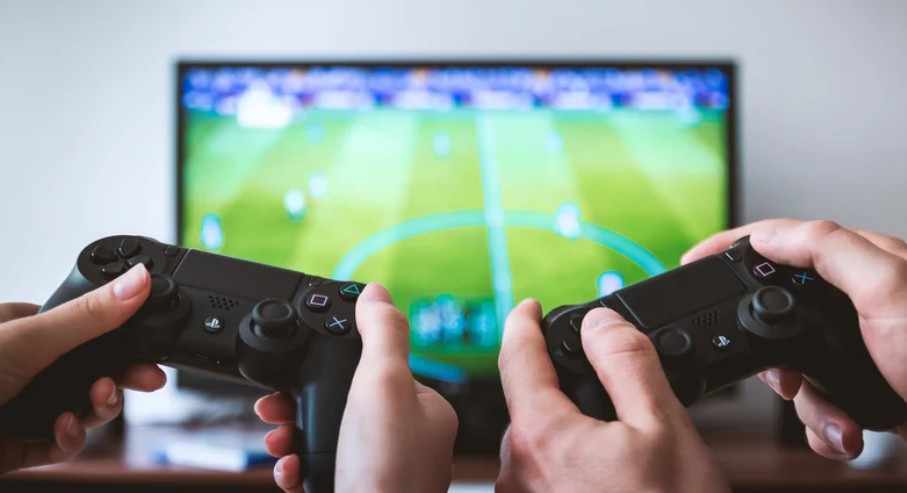
Gaming has evolved into a dynamic, immersive world where every millisecond counts. Whether you’re playing a fast-paced online multiplayer game or exploring a sprawling open-world adventure, lag can break the flow and ruin your experience. Fortunately, there are several strategies you can implement to reduce lag and ensure smoother gameplay. In this blog, we’ll explore some practical tips to minimize lag and optimize your gaming setup.
How Can You Reduce Lag for a Smoother Gaming Experience?
1. Check Your Internet Connection

The most common cause of lag is a poor internet connection. When playing online games, especially competitive ones, your connection speed and stability are crucial. Here are a few tips to improve your connection:
- Use a Wired Connection: Wi-Fi, while convenient, can introduce instability and interference. A wired Ethernet connection typically offers a more stable and faster connection.
- Upgrade Your Internet Plan: If you’re on a slow or unreliable plan, consider upgrading to a faster one, especially if your household uses multiple devices at once.
- Reduce Network Traffic: Close any unnecessary applications or devices using the same network. Streaming videos, downloading large files, or even other people using the internet can eat up bandwidth and cause lag.
For further insights into gaming-related topics and to stay up to date with the latest trends, check out the UK Gaming Blog.
2. Optimize Your PC or Console Settings
Your gaming setup—whether PC or console—also plays a significant role in performance. Make sure you’ve fine-tuned your system to get the best results.
- Update Drivers: Outdated drivers can lead to performance bottlenecks. Ensure your graphics card and network drivers are up to date.
- Lower Graphics Settings: While you may want the best visuals, reducing graphic settings such as texture quality, shadow details, and resolution can significantly improve performance.
- Disable Background Programs: Close unnecessary apps running in the background that can drain system resources, especially when gaming.
3. Choose the Right Server or Region
In online multiplayer games, choosing the right server region can make a big difference. Connecting to a server that’s far away from your location can introduce lag due to the longer distance the data has to travel. Most games allow you to select your preferred server region—opt for one that’s geographically closest to you to reduce ping and improve responsiveness.
4. Enable Game Mode or Performance Mode
Many gaming PCs and consoles have performance modes or game modes designed to prioritize resources for gaming. On a Windows PC, for example, enabling Game Mode ensures that your computer dedicates more of its resources to the game you’re playing, minimizing distractions. Similarly, most gaming consoles like the Xbox and PlayStation allow you to prioritize performance over other tasks.
5. Use a Gaming VPN
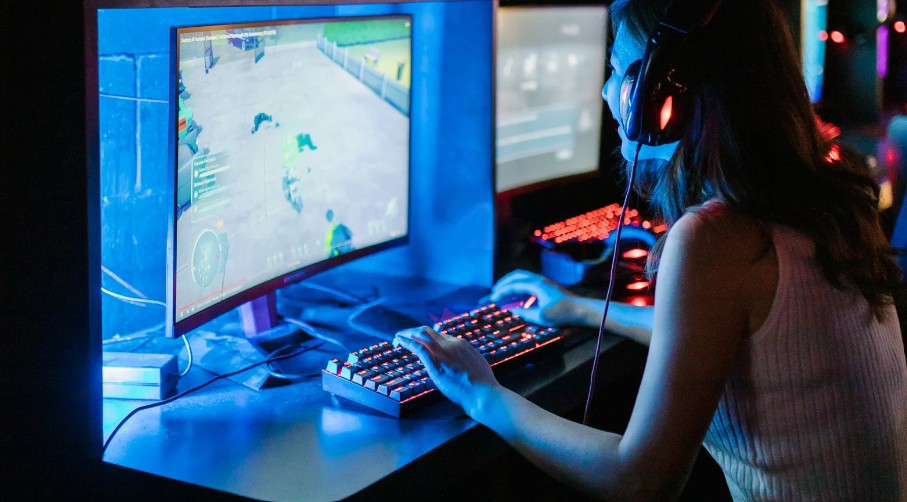
While a VPN is typically used for privacy and security, it can also help reduce lag in certain situations. A gaming VPN can provide more stable routes for your data, especially if you’re connecting to international servers with unreliable connections. However, be aware that not all VPNs are suited for gaming—choose one with low latency and fast speeds to avoid adding more delay.
6. Check Your Hardware Performance
The performance of your hardware can also affect how smooth your gaming experience is. If you notice consistent lag, even with a stable internet connection, it might be time to upgrade your hardware.
- Upgrade Your GPU/CPU: A powerful graphics card and processor are crucial for modern gaming. Upgrading these components can drastically improve your gameplay.
- Add More RAM: Insufficient memory can cause stuttering and lag. Ensure your system has enough RAM to handle the demands of modern games.
- Consider an SSD: If your games are installed on a traditional hard drive (HDD), switching to a solid-state drive (SSD) can significantly reduce loading times and improve overall game performance.
7. Adjust Your Router Settings
Your router can also play a big part in your gaming experience. Here are a few tips to ensure it’s optimized for gaming:
- Use Quality of Service (QoS): QoS settings allow you to prioritize gaming traffic over other types of internet use. This can help reduce lag when multiple devices are connected to the network.
- Reposition Your Router: The placement of your router can affect your connection quality. Try to position it centrally and away from obstructions to ensure the best signal strength.
8. Monitor Your Latency and Ping
Sometimes, the issue isn’t with your hardware or internet connection, but rather with the game servers themselves. You can use in-game tools or third-party programs to monitor your ping and latency. If you’re experiencing consistent high ping, the issue might lie with the game servers, and there’s little you can do except wait for the game developers to address it.
Conclusion
Lag can be one of the most frustrating aspects of gaming, but with the right strategies in place, you can minimize it and enjoy a smoother, more responsive experience. Whether you’re optimizing your internet connection, adjusting game settings, or upgrading your hardware, taking a proactive approach to reduce lag will undoubtedly enhance your gaming sessions.




More Stories
How Do Rule Changes Shape the Future of Sports?
How Is London Adapting to Changing Social and Cultural Trends?
Energy Efficiency in Modern Builds: What Sets Top Homes Apart